 COME
COMEIPL Fixture or Old Match Poster: Check the Date First
A match graphic can remain online long after the game. Confirm the fixture on the IPL match page before relying on a shared image for timing or results.
Inspect what the image actually says
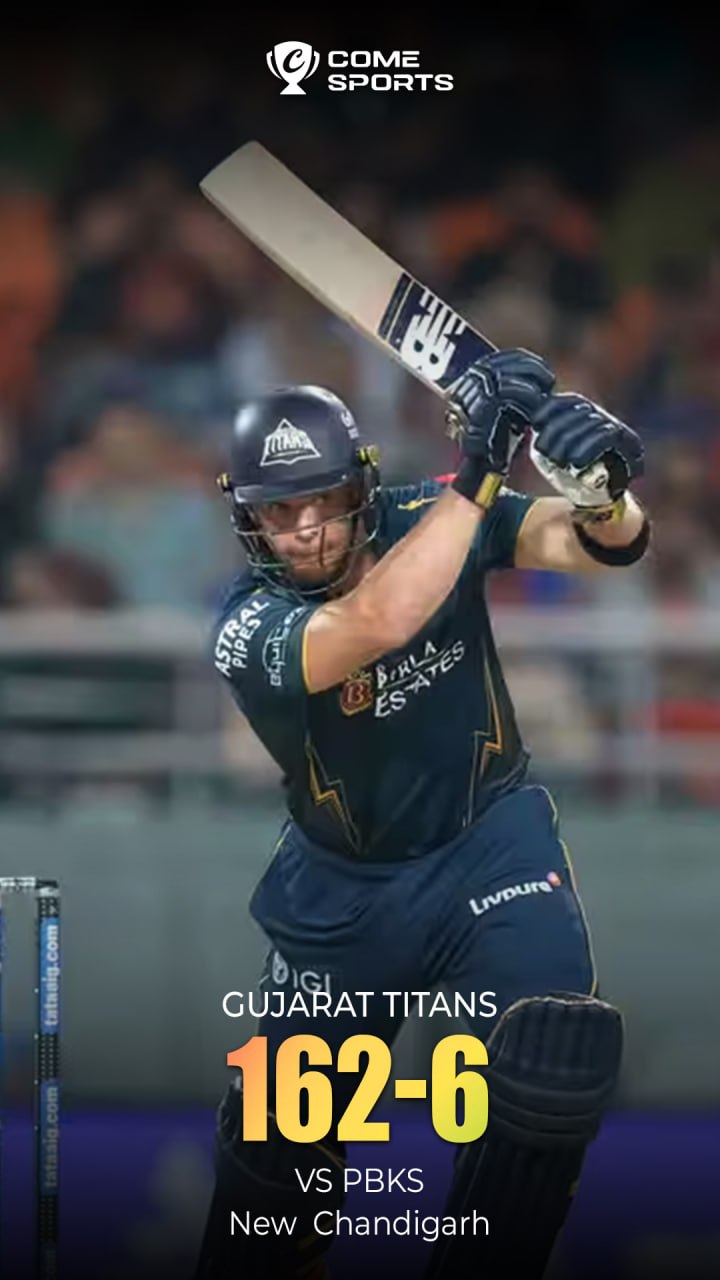
This archived poster contains a team name, an opponent and a score. It does not function as a continuously updated match record. A repost date can also be different from the date the match was played.
Match four details
- Select the intended season or competition.
- Confirm both teams and the venue.
- Check the scheduled date, start time and displayed time zone.
- Read whether the match is upcoming, in progress or complete.
Separate the toss and playing details
An early fixture card identifies a scheduled match. Later match information may add the toss, line-ups and result. Read the latest organiser entry for those details instead of assuming they follow from the original poster.
Use the poster for context
A cricket image can help explain a team label or scoring format. It cannot verify a current event listing inside an app, a stream or a partnership. Follow the relevant service’s present information for its own features.
Continue with the right guide
Choose another topic in Guides, or return to the main steps when you are ready.