 COME
COMECOME First Open and Login: Separate the Two Checks
First check that the app opens. Then check account access. A working sign-in screen means you have moved beyond the initial file installation stage.
Make one clear first-open observation
Open the installed app from the phone once and note what appears. A blank page, a connection message and a sign-in form describe different states. Repeatedly downloading the same package obscures which stage is failing.
Use the right account route
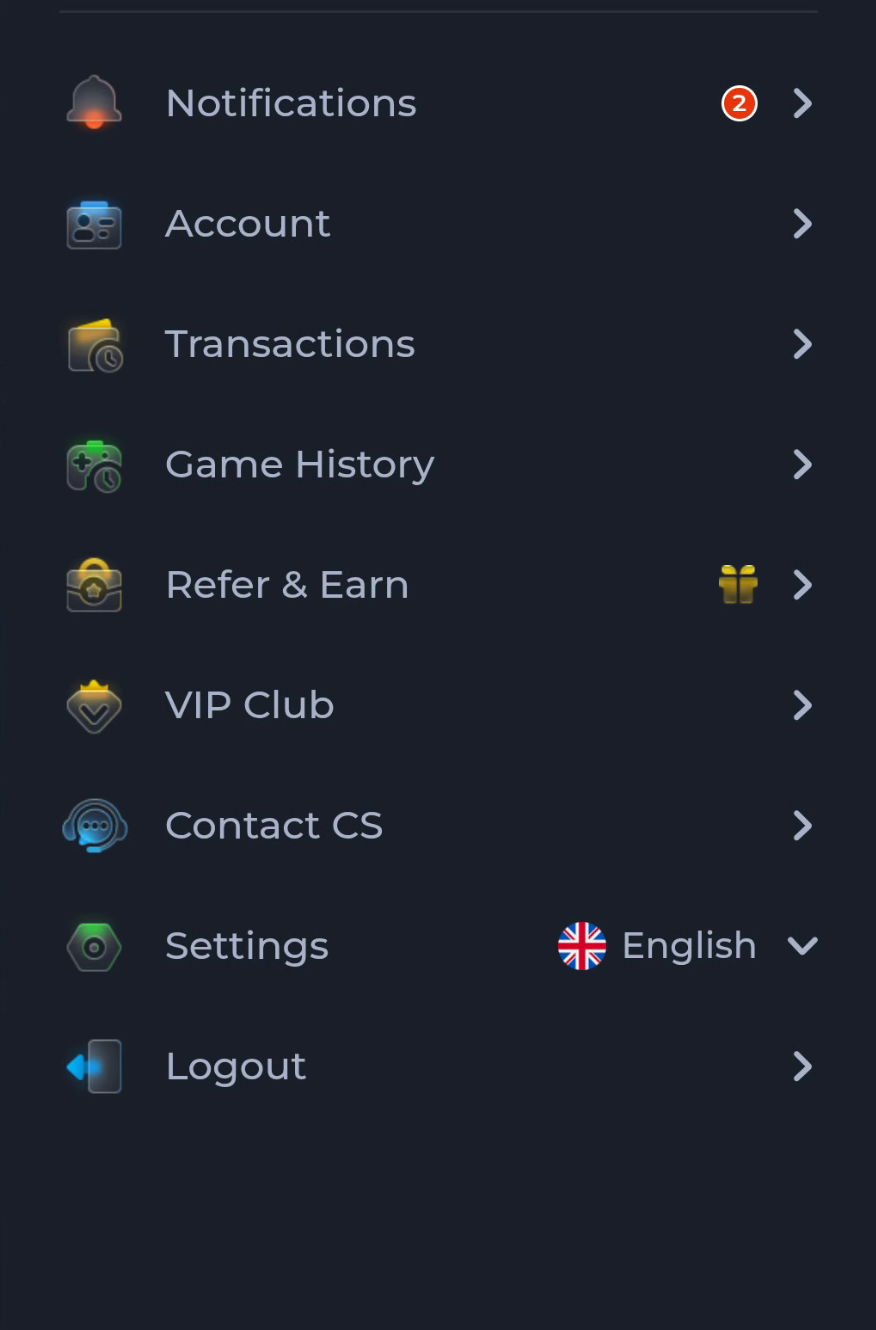
The pictured account menu separates Account, Contact CS and Settings. Use your normal account method on the current service page. Do not create another account solely because a first sign-in attempt took longer than expected.
For a code or password problem
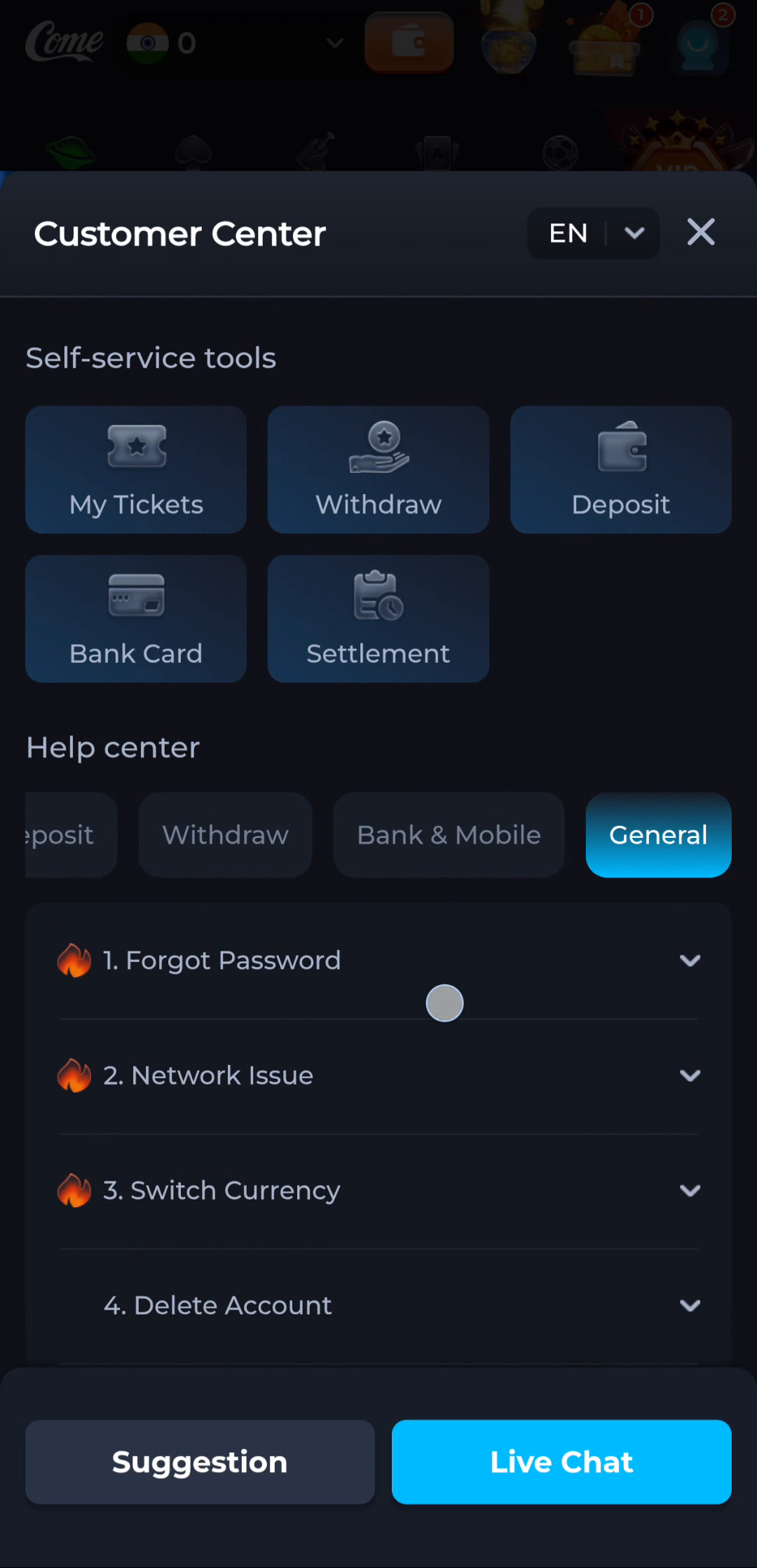
- Confirm the identifier or phone details entered on the service.
- Read any error and wait for the stated retry period.
- Use the service’s recovery route when available.
- Never send a password or one-time code to someone claiming to diagnose the app.
For a connection problem
Check whether another ordinary webpage opens using the same connection. If the network works but the app shows an error, record that distinction. A new APK is not a universal fix for an account or service problem.
Confirm the outcome you needed
Successful installation, successful app opening and successful account access are three separate outcomes. Note which one you have achieved before moving to the next guide.
Continue with the right guide
Choose another topic in Guides, or return to the main steps when you are ready.