 COME
COMEUse COME Customer Center for First-Use Questions
Choose the help category that matches the symptom. General app access questions are different from transaction or bank-card issues.
Read the category labels
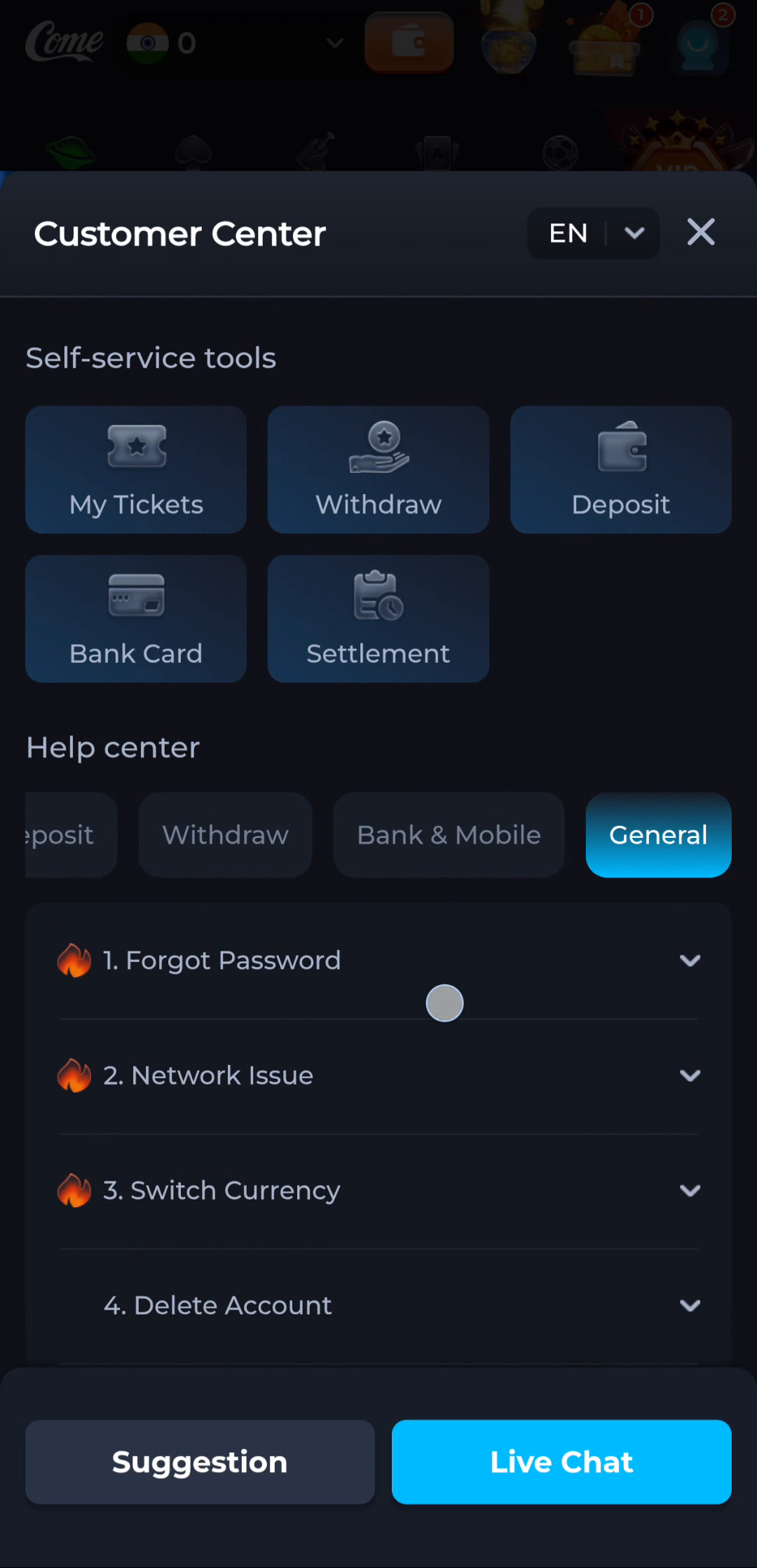
The pictured Customer Center has self-service tiles and a Help center area. General includes topics such as Forgot Password, Network Issue, Switch Currency and Delete Account. These labels help distinguish an access problem from a transaction task.
Describe the stage precisely
- Before a transfer: describe the webpage or button.
- During a transfer: give the browser status.
- After opening the app: record the screen or exact error.
- During sign-in: describe the account-access step without sharing credentials.
Use the network topic only when it fits
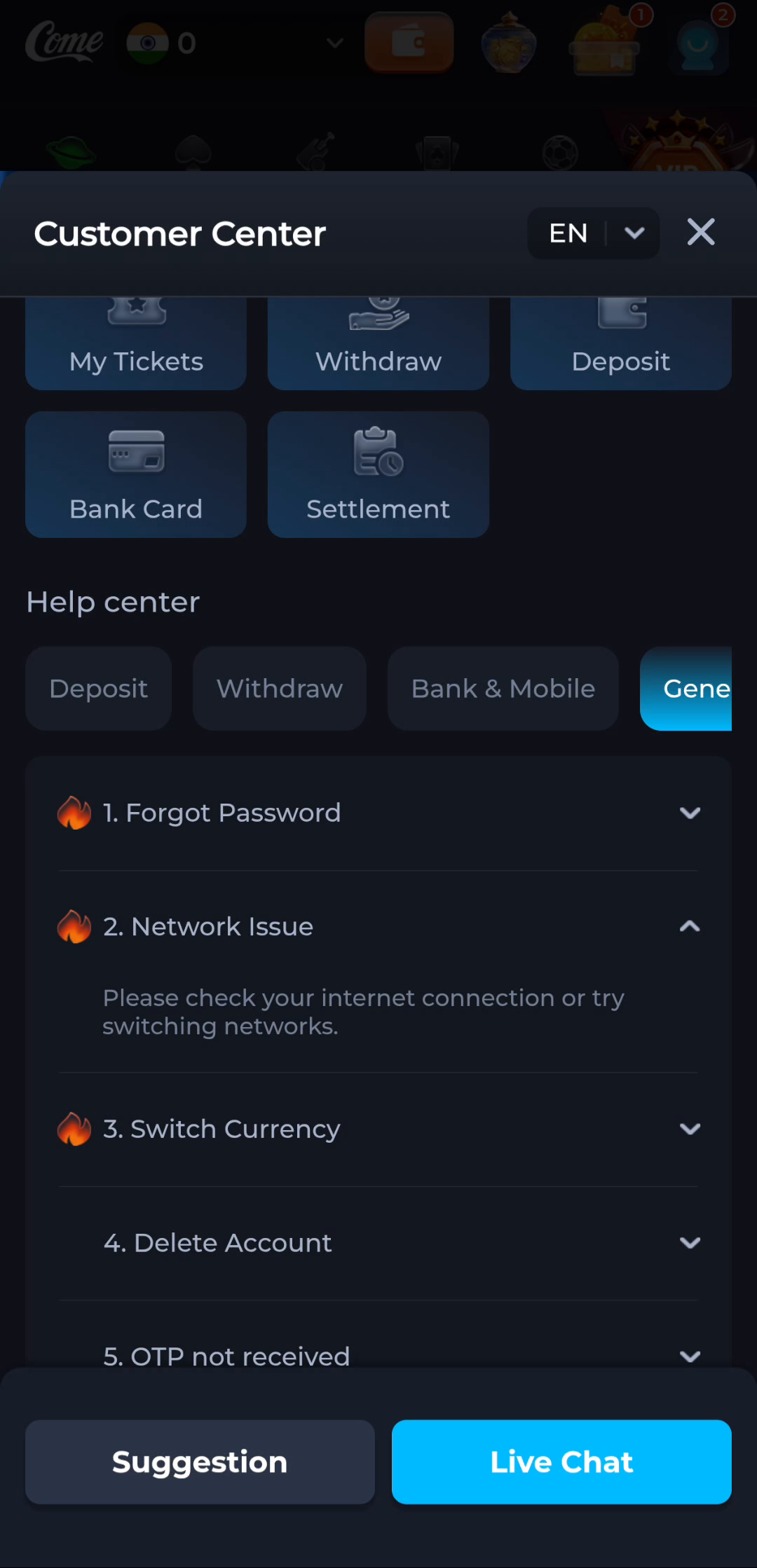
The expanded Network Issue entry advises checking the internet connection or trying another network. That fits a connectivity symptom. It does not answer an APK identity mismatch or an Android security warning.
Keep help requests focused
Provide the device model, Android version, approximate time and visible symptom when a support form asks for relevant details. Hide balances, phone numbers and other personal details in screenshots that do not need them. Read the current form before submitting.
Avoid changing several things at once
Try one relevant action and record the result. That makes the next help interaction more useful and reduces the chance of confusing an installation task with an account setting.
Continue with the right guide
Choose another topic in Guides, or return to the main steps when you are ready.